
How to log in and import
Learn how to log back into your RC Wallet and import an existing wallet using your mnemonic phrase.
1. Select "ADD EXISTING WALLET"
Open the RC Wallet app and select "ADD EXISTING WALLET".

2. Enter your mnemonic
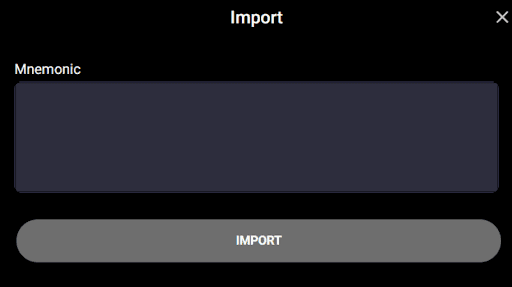
A screen will appear where you can enter your mnemonic (secret phrase), which consists of 12 English words you recorded when creating your wallet.
Important points when entering your mnemonic
- Enter in the exact order: Type each word one by one in the same order you recorded. The word order is extremely important.
- No typos: Carefully check each character and make sure there are no spelling mistakes.
- Use single spaces between words: Make sure there is exactly one space between each word.
Example: apple banana cherry dog elephant ...
After entering all words correctly, tap the "IMPORT" button to proceed to the next step.
3. Set a wallet name
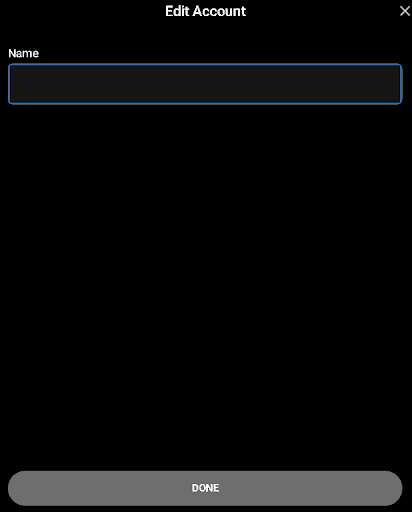
Please set a name for your wallet.
You can change the wallet name at any time, so choose one that suits your needs and preferences.
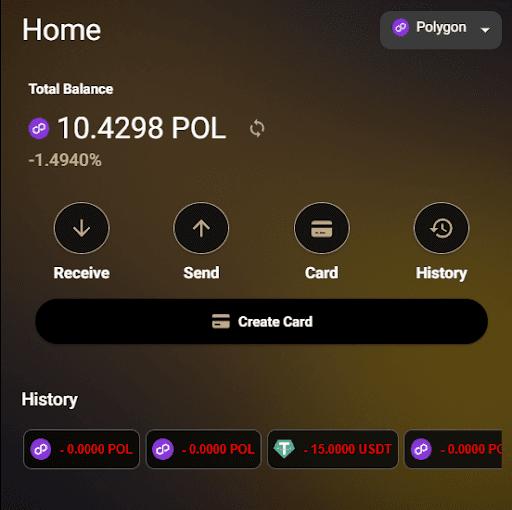
Wallet login complete
1. Important notes
- Never share your mnemonic with anyone.
- If someone obtains this phrase, your wallet may be stolen.
- Support or the service team will NEVER ask for your phrase!
- Make a backup.
- Write your mnemonic phrase on paper and store it in a safe place.
- Saving it in notes on your phone or PC increases the risk of hacking.