RC Wallet Basics
Learn how to manage your assets, and view important wallet information.
How to Send Crypto
Sending crypto always requires a gas fee.
Please prepare the gas fee for the network you are using.
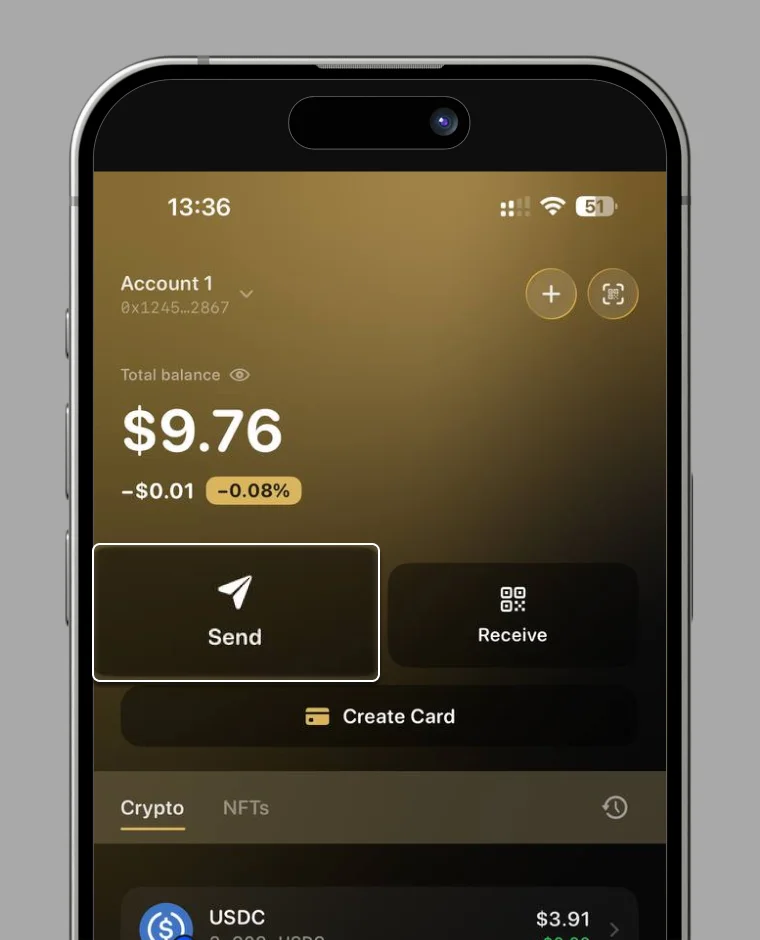
1. Select "Send".
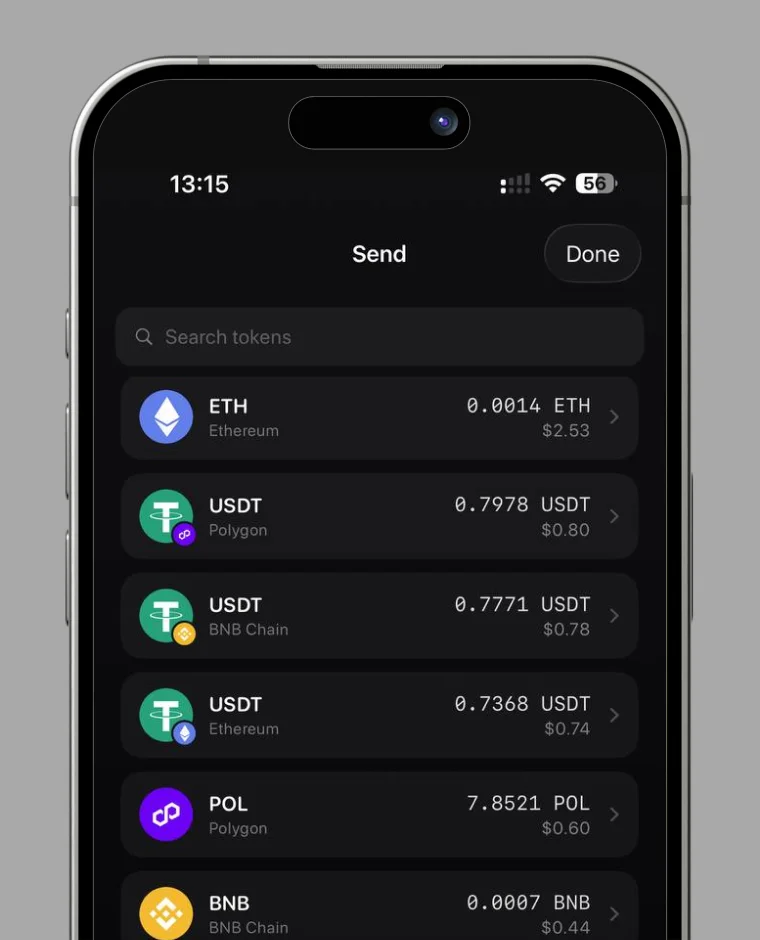
2. Select the crypto you want to send.
3. Enter the recipient's wallet address.
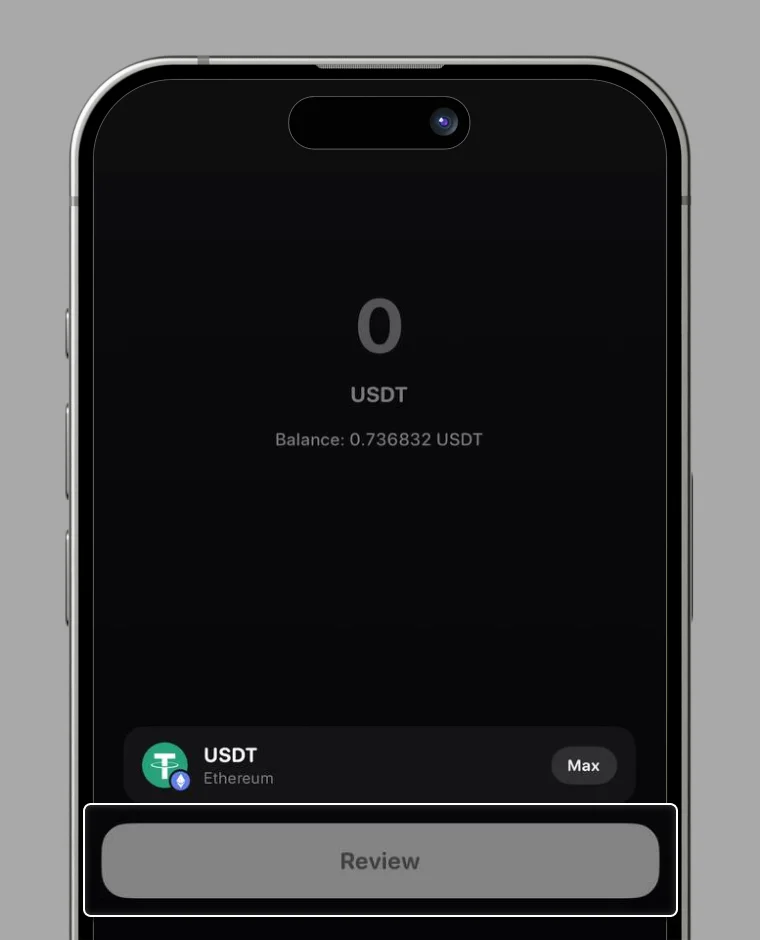
4. Check the wallet address and amount, then select "Approve".
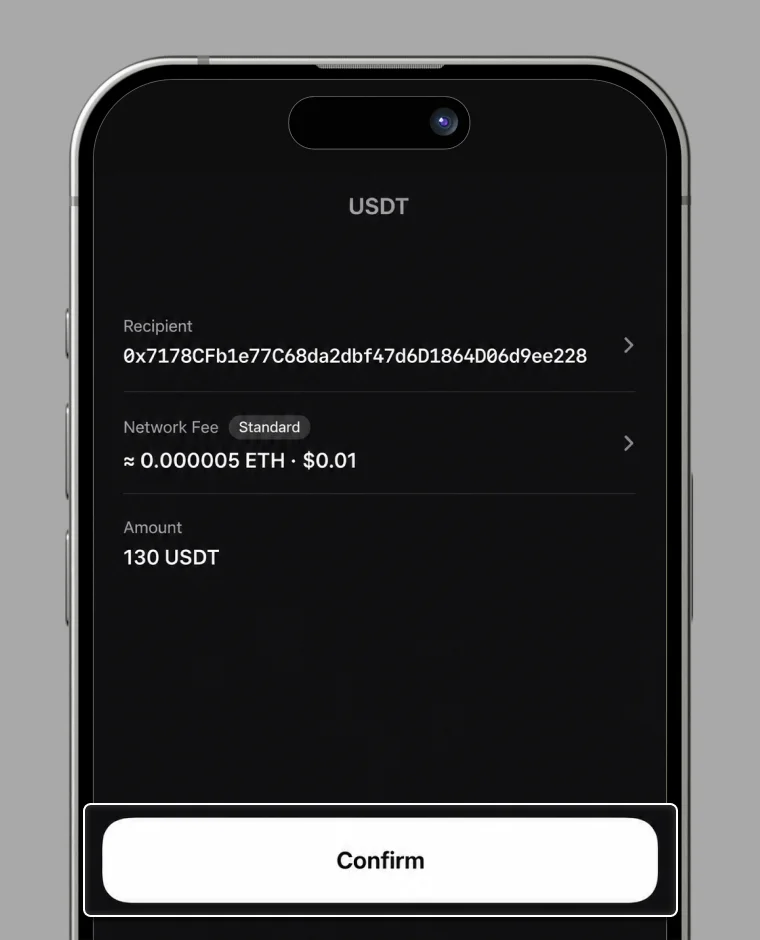
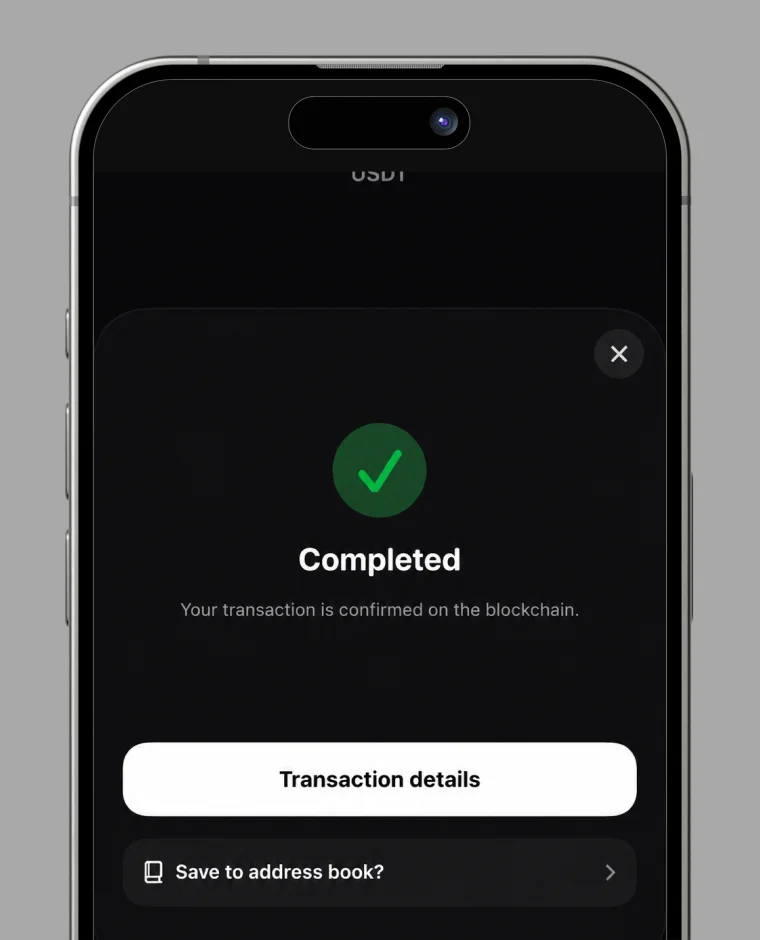
5. The transfer completes.
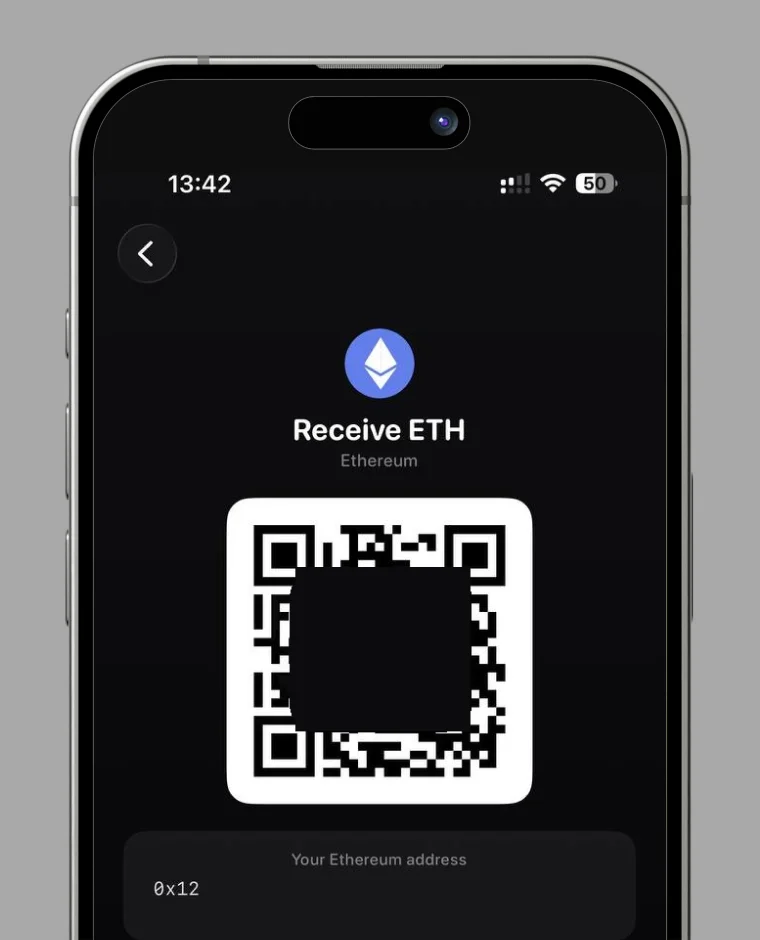
How to Check Wallet Address
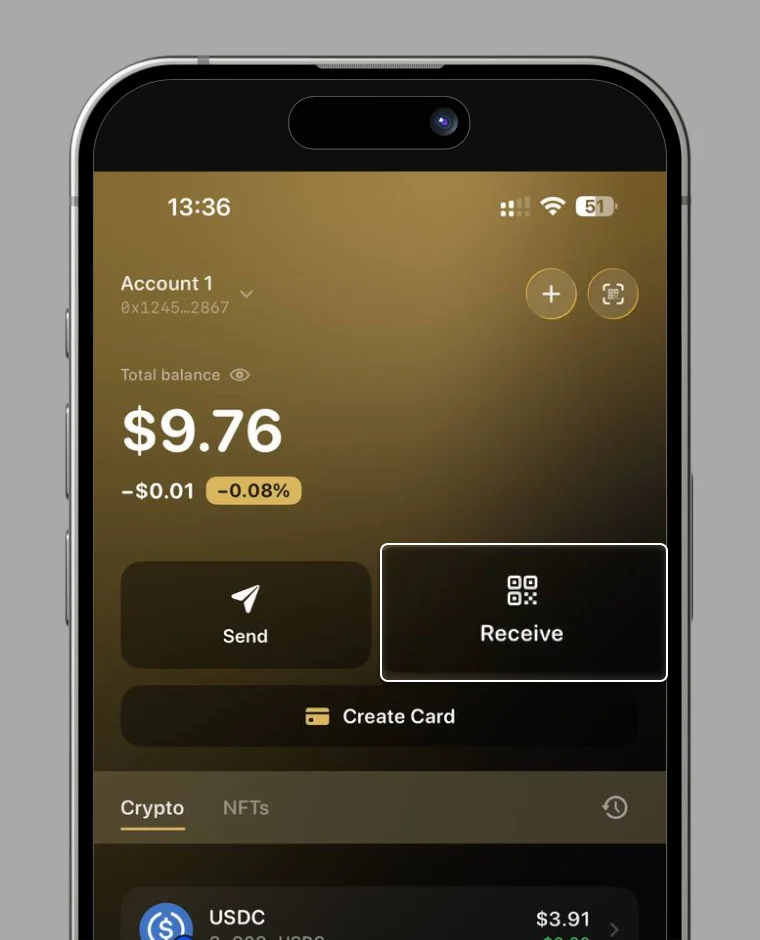
1. Select "Receive"
2. Select the crypto you want to receive.
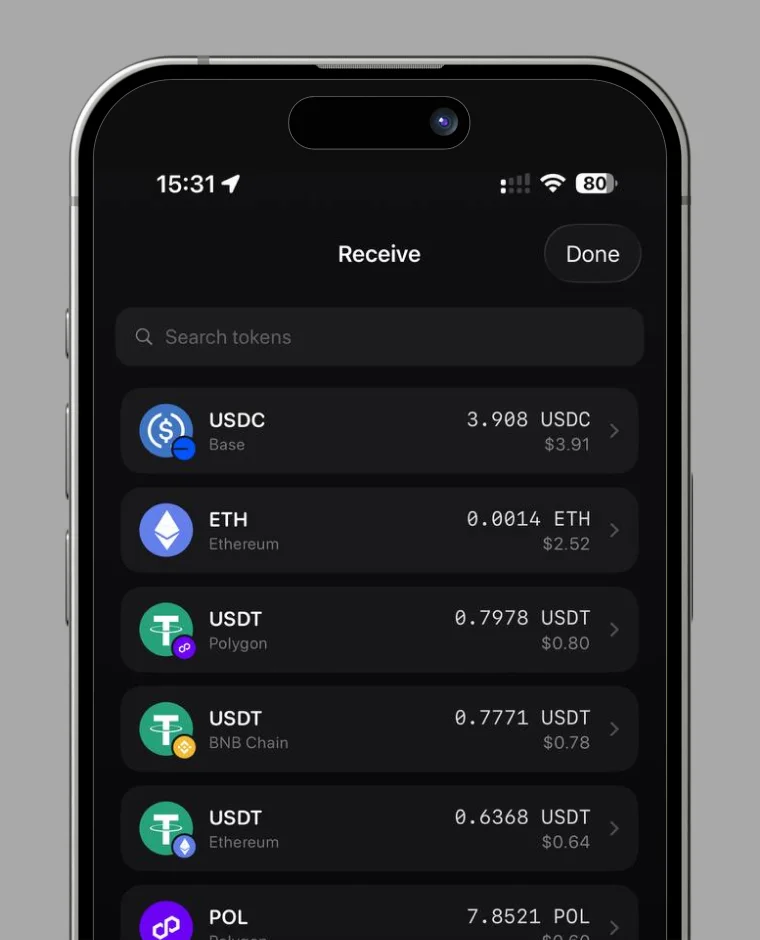
3. Your wallet address is displayed.
How to Check Transaction
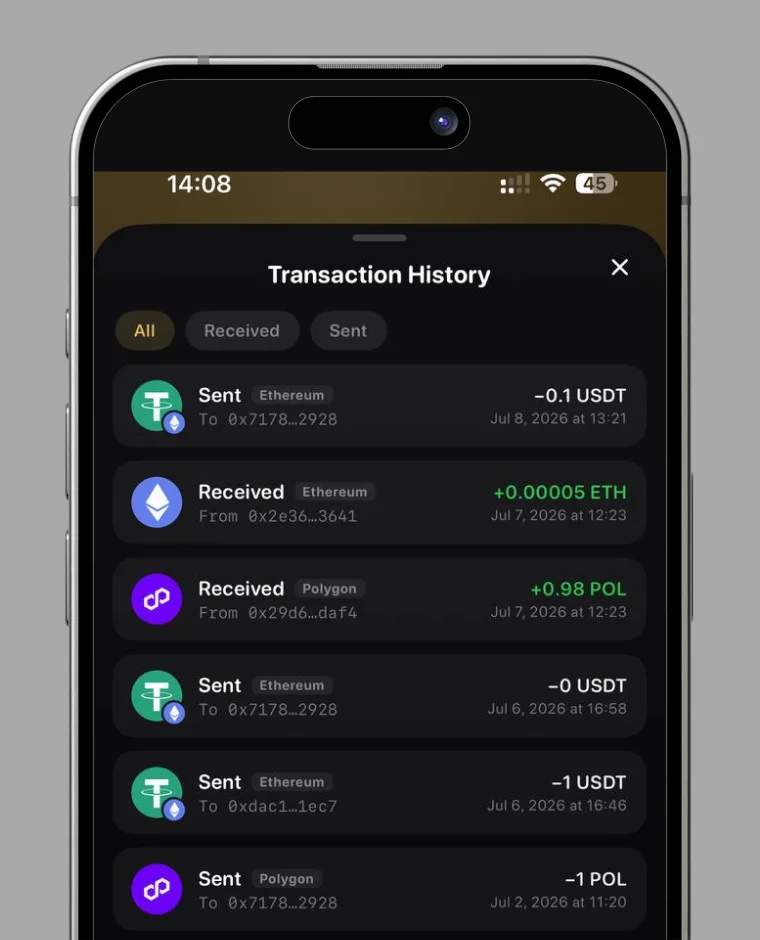
1. Press the history button.
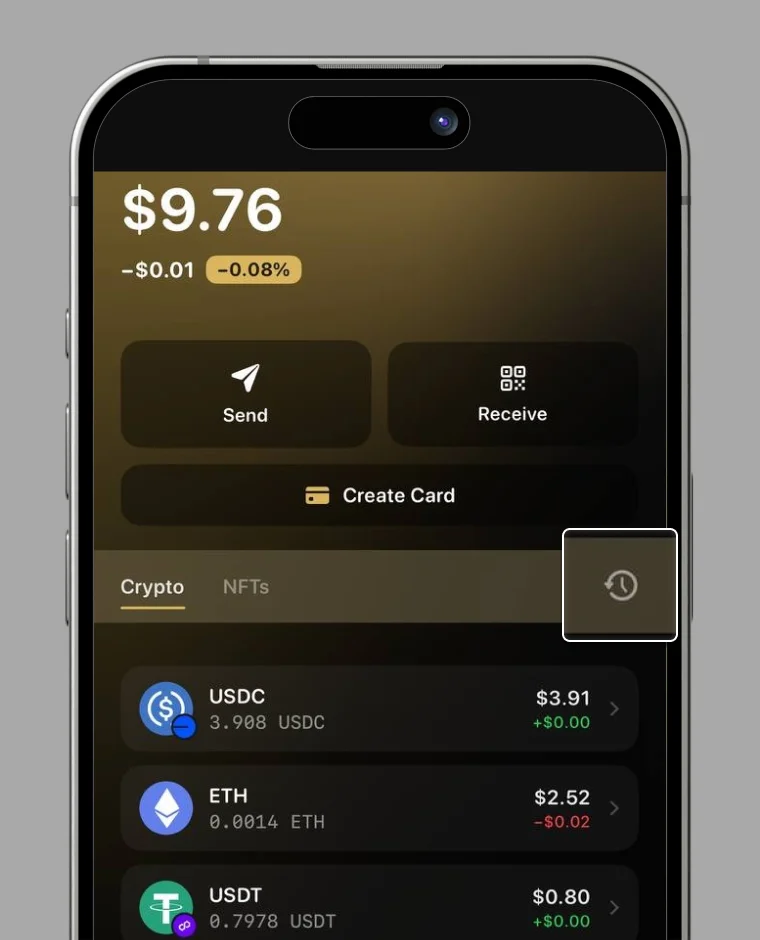
2. Your transaction history is displayed.