RC Wallet Security
Change your PIN, verify your recovery phrase, back up to cloud, and log out safely.
Steps
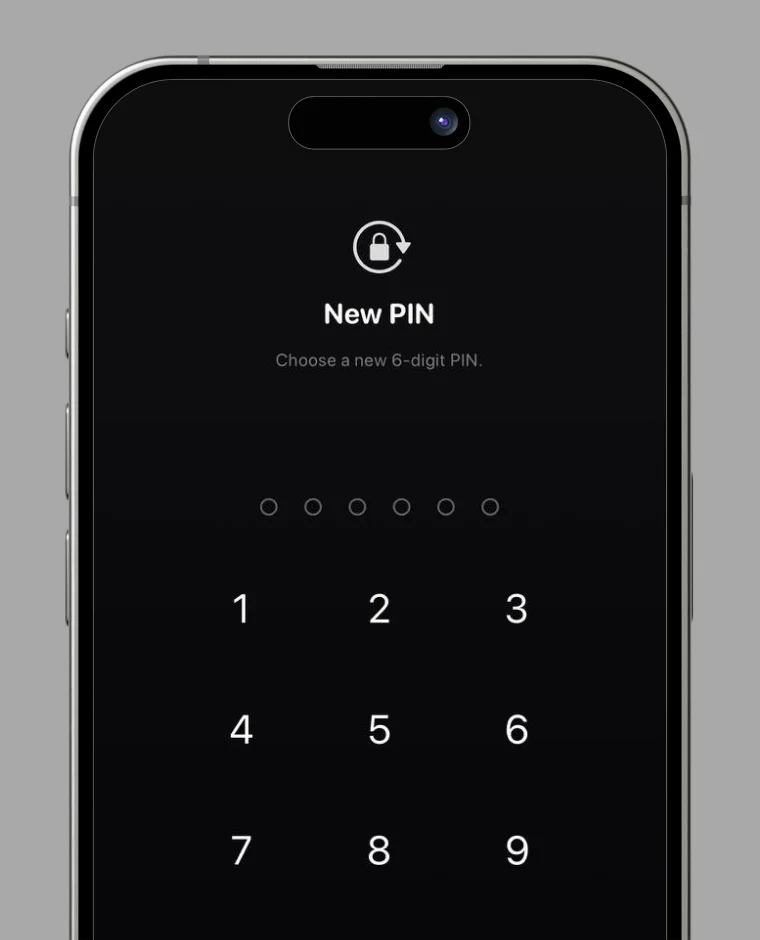
How to change your PIN code
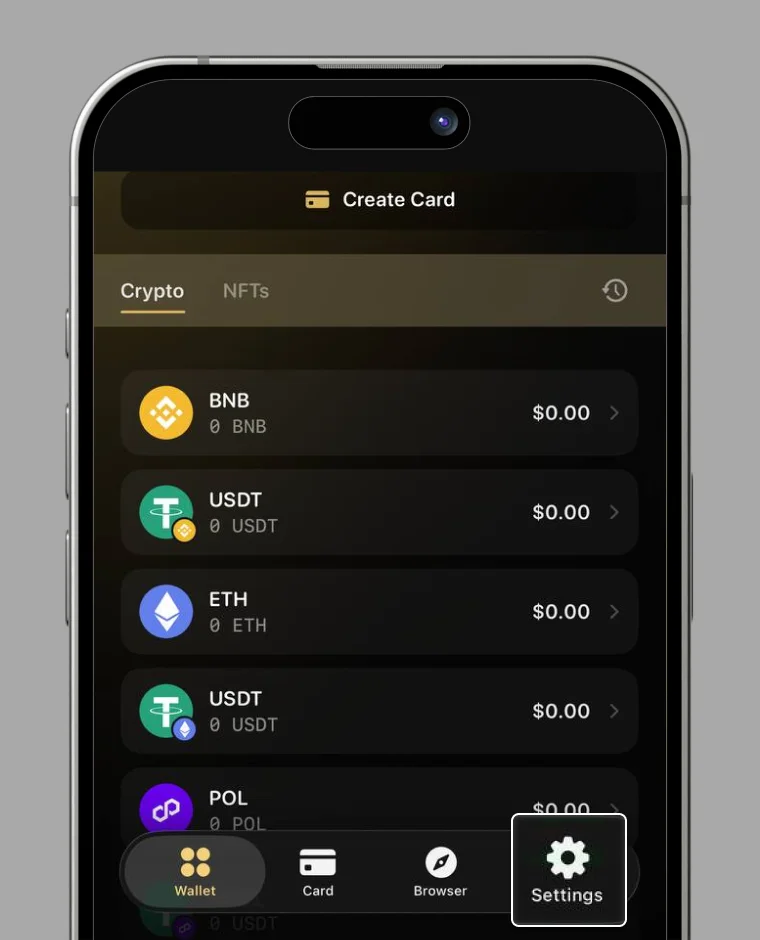
1. Open Settings
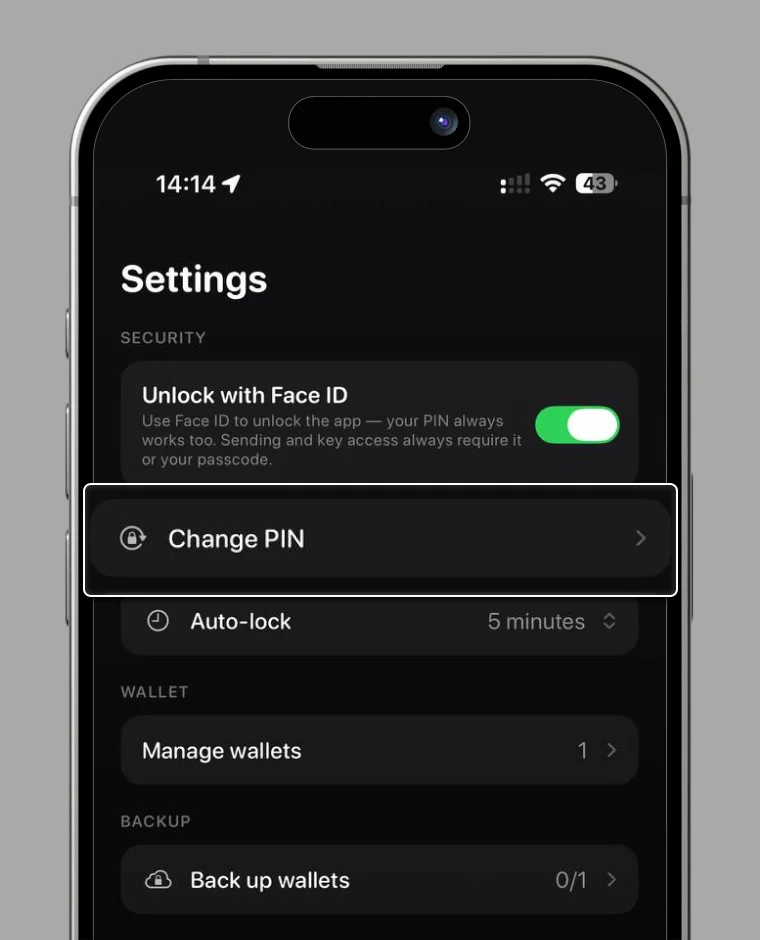
2. Please select "Change PIN".
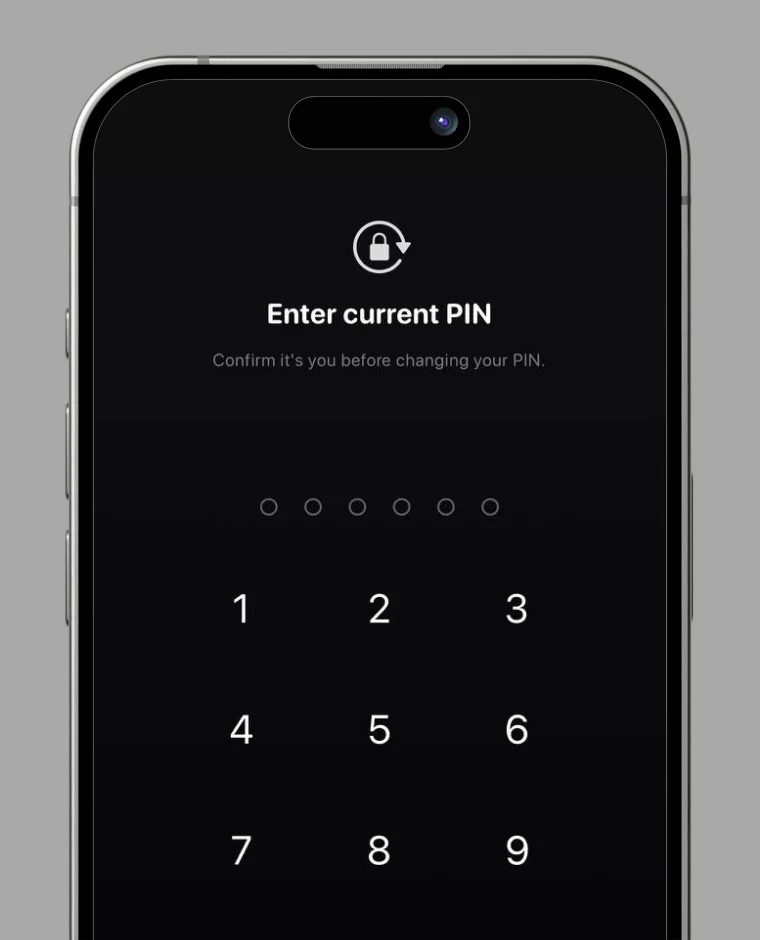
3. Enter your current PIN.
4. Enter your new PIN twice to complete the change.
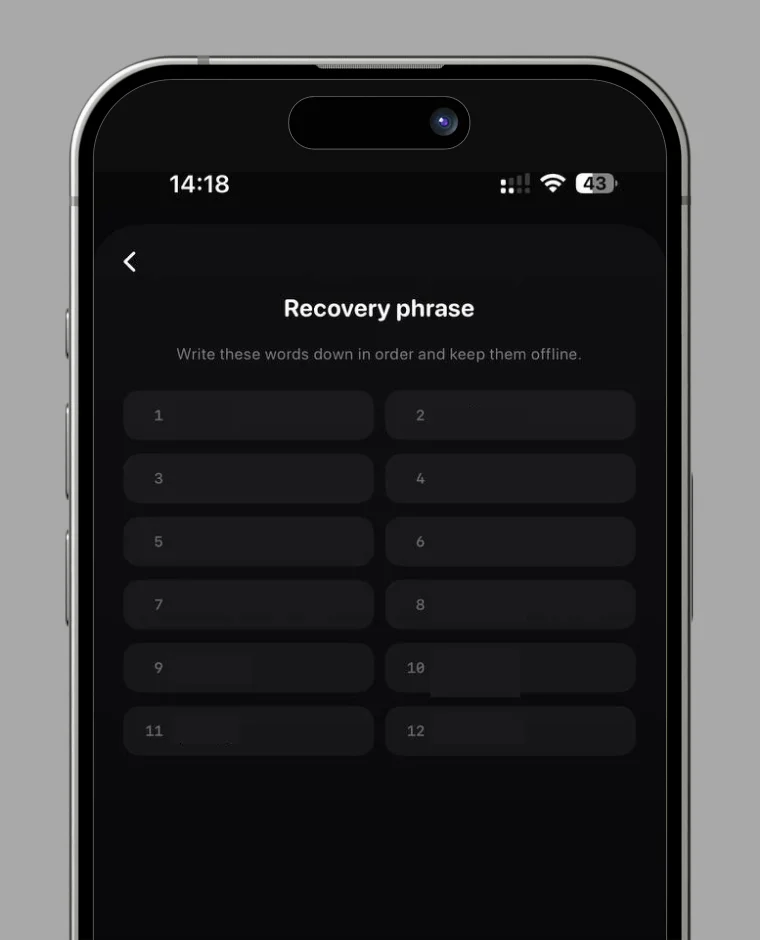
How to Verify Recovery Phrase
1. Go to "Settings" and open "Manage wallets".
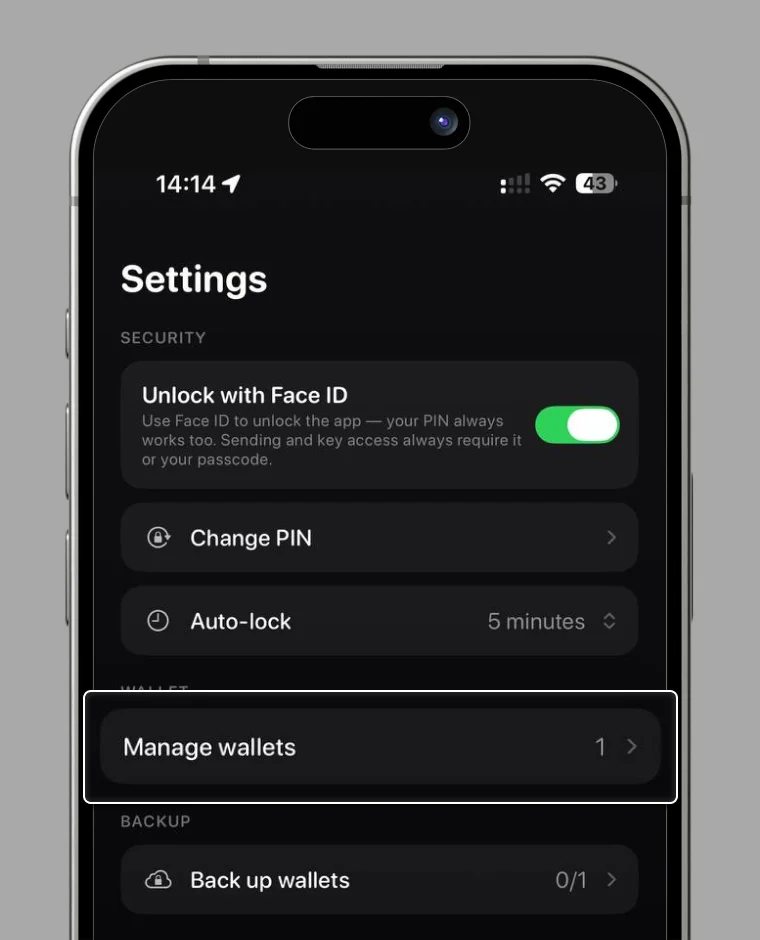
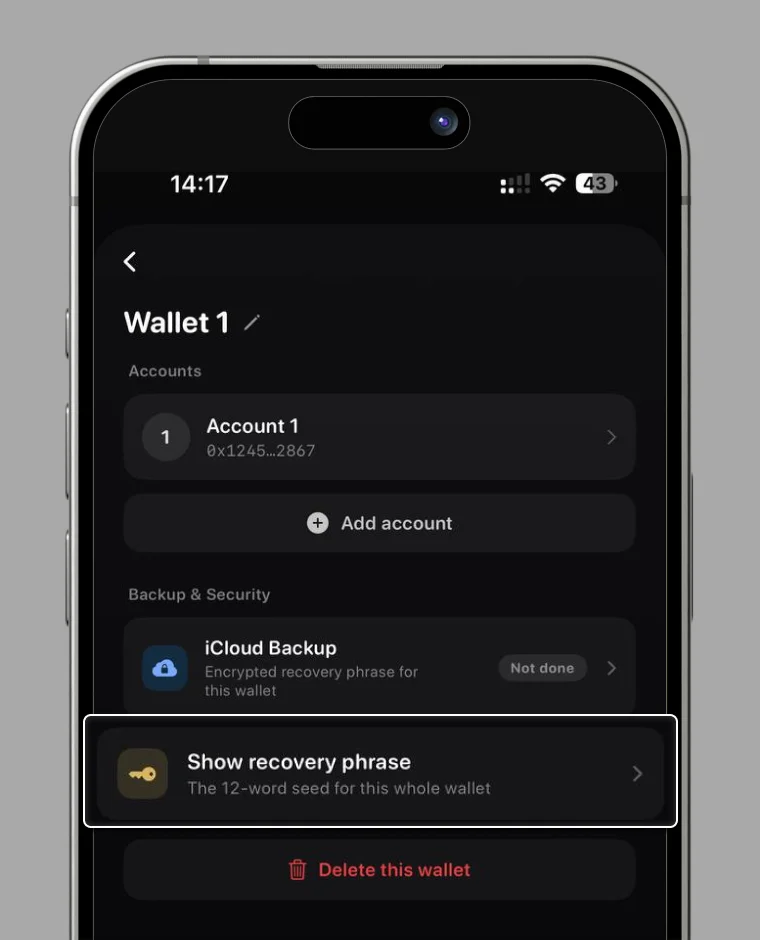
2. Select "Show recovery phrase".
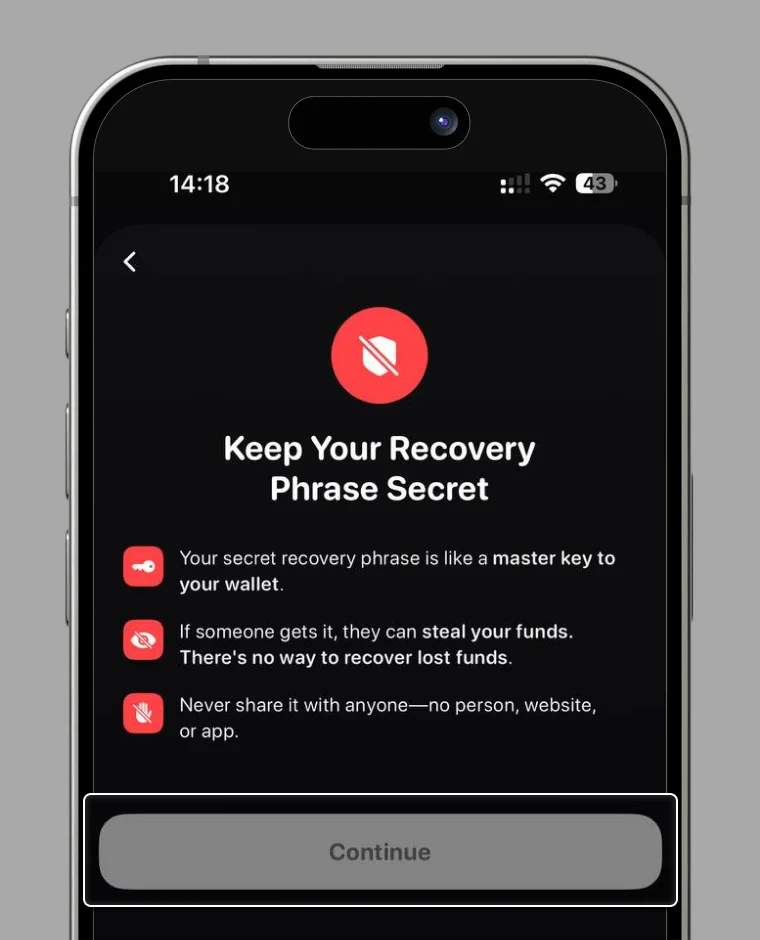
3. Review the notice, keep the box checked, and select "Confirm".
4. Your recovery phrase is displayed.
How to Cloud Backup
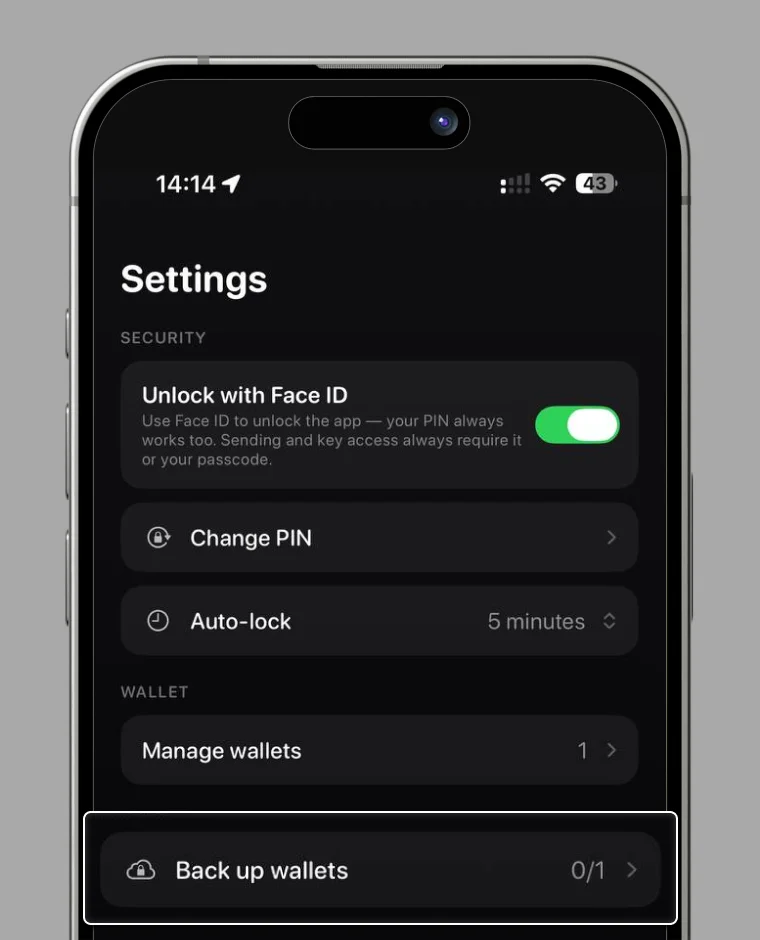
1. From Settings, select "Backup wallets".
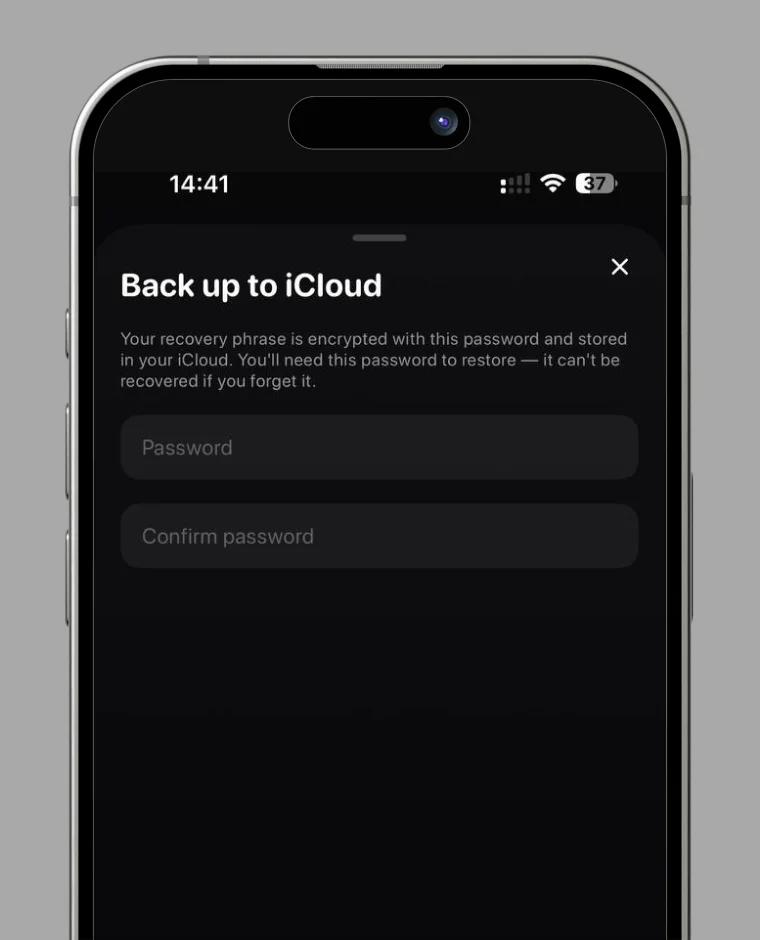
2. Set a dedicated backup password and select "Encrypt and backup" to complete.
How to Logout of RC Wallet
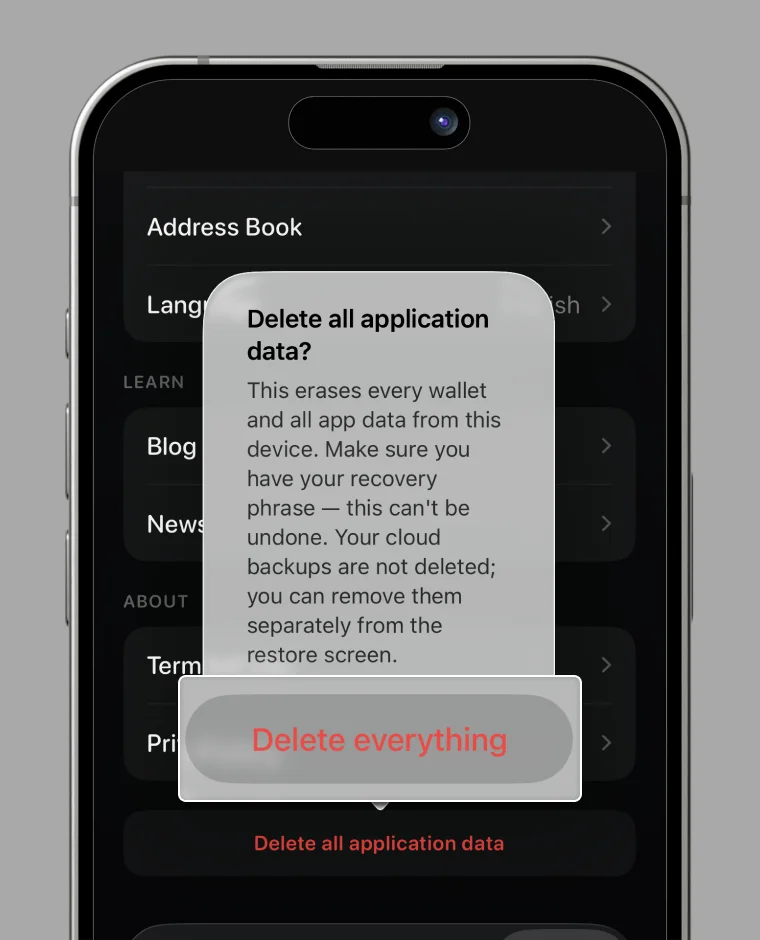
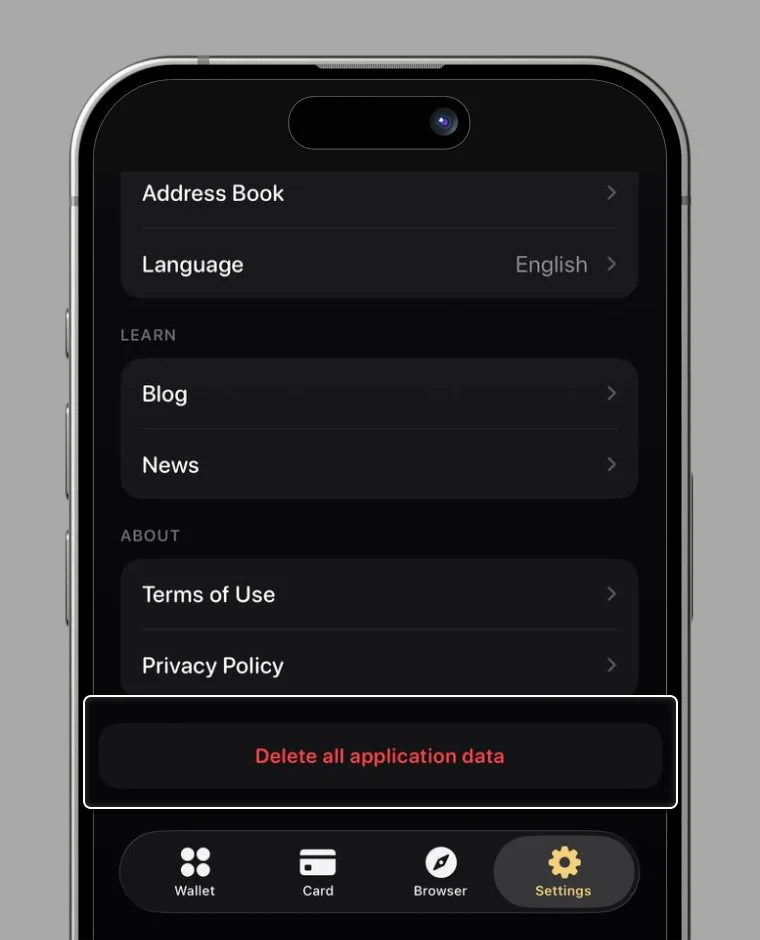
1. From Settings, select "Delete all application data".
* You'll need your recovery phrase or a cloud backup to log back in.
2. Review the notice and select "Delete everything".